If you run a small business in the Detroit area with 5 to 25 users, compliance can feel like a moving target. One client asks about your security policies. Your cyber insurance renewal wants proof of MFA and backups. A vendor questionnaire lands in your inbox. Meanwhile, your team just needs email, line-of-business apps, and the office Wi-Fi to work.
That is the reality for small law firms, CPA offices, insurance agencies, medical practices, dental offices, and other local businesses handling sensitive information. You may not have a full-time IT manager or compliance officer. But you are still expected to protect client data, control access, document your safeguards, and respond quickly if something goes wrong.
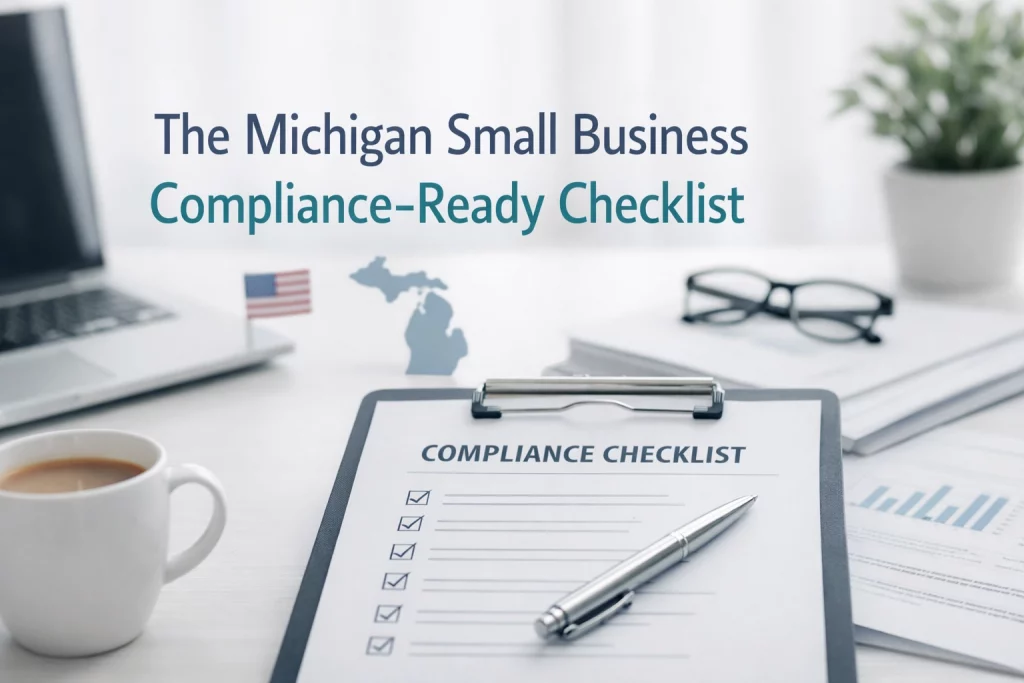
At Motor City Secure IT, we built this checklist for businesses exactly in that spot. It is a practical, professional guide with a straight-ahead approach. No fluff. No enterprise-only advice that does not fit a 10-person office. Just the 12 things that help Detroit small businesses become more secure, more organized, and more compliance-ready.
This version also reflects what we handle in our Compliance-Ready Plus tier: asset and data inventory, core policy templates, quarterly security reviews, and hands-on help with cyber insurance and vendor questionnaires.
Why "Compliance-Ready" Matters for Small Detroit Businesses
For a lot of small businesses, the problem is not laziness. It is bandwidth. You are busy serving clients, managing staff, and keeping revenue moving. Compliance work gets pushed aside because it feels administrative, technical, and easy to delay until somebody asks for it.
That works right up until:
- your cyber insurance application asks for controls you cannot verify
- a client or vendor sends a security questionnaire with a short deadline
- an employee leaves and nobody is sure what systems they had access to
- a laptop goes missing and you cannot prove what data was on it
- an audit, claim, or breach forces you to produce documentation fast
That is why "compliance-ready" is the right goal for most small businesses. It means your safeguards are not just in place. They are documented, reviewed, and easier to prove when somebody asks.
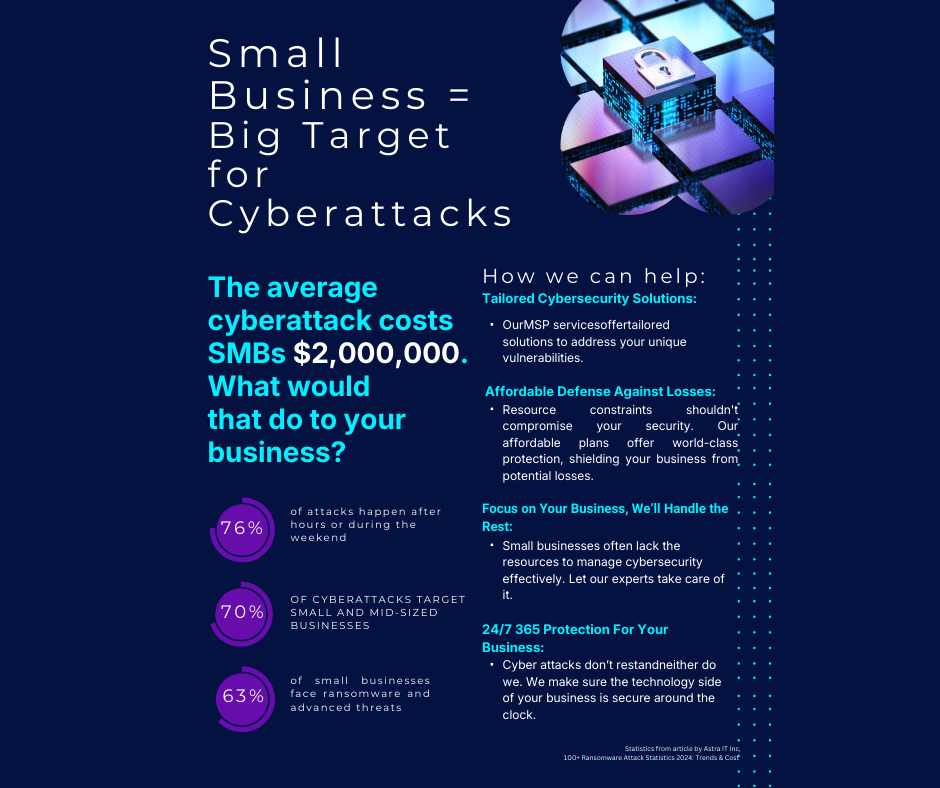
For a Detroit-area business with 5 to 25 users, the risk is not theoretical. A single ransomware event, phishing incident, or failed questionnaire can create downtime, legal exposure, lost client trust, and expensive cleanup. The checklist below is built to help you tighten the basics and close the documentation gap.
The 12-Point Michigan Small Business Compliance-Ready Checklist
Think of this as the practical baseline. If these 12 items are covered, documented, and reviewed regularly, your business is in a much better position for audits, cyber insurance, client scrutiny, and day-to-day security.
1. Multi-Factor Authentication (MFA) Everywhere
If you are still only using a password to log into your email, your practice management software, or your VPN, you are a sitting duck.
- The Goal: MFA must be enabled on every single entry point.
- The Compliance View: Most cyber insurance providers won't even write you a policy now without proof of MFA.
2. Endpoint Detection and Response (EDR)
Traditional antivirus is dead. It looks for "known" threats, but hackers today use "fileless" attacks and zero-day exploits.
- The Goal: EDR acts like a digital security guard that watches for behavior rather than just signatures. It can isolate a compromised laptop before the infection spreads to your entire network.
- The Compliance View: EDR provides the "continuous monitoring" logs that auditors love to see.
3. Data Encryption
If a laptop is stolen from your employee’s car in Royal Oak, is that a data breach?
- The Goal: If the drive is encrypted (BitLocker for Windows, FileVault for Mac), the answer is likely "no" under most safe harbor laws. If it’s not encrypted, you have to notify every client and potentially pay a fine.
- The Compliance View: Encrypt data "at rest" (on the drive) and "in transit" (via secure email).

Phase 2: Visibility and Documentation
In the world of audits, if it isn’t documented, it didn't happen. Most Michigan small businesses fail audits not because they don't have security, but because they can’t prove they have it.
4. Comprehensive Asset Inventory
You cannot protect what you don't know you have.
- The Action: Create a list of every laptop, server, tablet, and smartphone that touches your business data. Include serial numbers, purchase dates, and who is responsible for them.
- Pro Tip: Don't forget "Shadow IT": those personal iPads your staff uses to check work email.
5. Policy Templates (The WISP)
For CPAs and financial firms, a Written Information Security Program (WISP) is a legal requirement under the IRS and FTC.
- The Action: Don't start from scratch. Use templates tailored for your industry. This document should outline how you collect, store, and destroy data.
- The Audit Trap: An outdated policy is almost as bad as no policy. Review and sign off on these annually.
6. Incident Response Plan
When: not if: a security event occurs, who is the first call? What are the steps to contain it?
- The Action: Have a one-page "Break Glass in Case of Emergency" document. It should include the contact info for your IT provider, your insurance agent, and your legal counsel.
Phase 3: The Human Element and Access Control
Your team is your greatest asset, but they are also your biggest security risk. Compliance requires you to manage that risk through strict controls.
7. Security Awareness Training
Most breaches start with a phishing email.
- The Action: Run quarterly or monthly training sessions. Use "simulated phishing" to see who clicks on the "fake" bad links so you can provide them with extra coaching.
- The Compliance View: Many regulations require documented proof that employees have been trained on security protocols.
8. The Principle of Least Privilege
Does your receptionist need access to your firm’s full tax software database? Probably not.
- The Action: Restrict access. Users should only have the permissions they need to do their specific job.
- The Action: Disable accounts immediately when an employee leaves. "Zombie accounts" are a favorite entry point for hackers.
9. Regular Vulnerability Scanning
Your network is a living thing. New software updates and new devices create new holes.
- The Action: Perform regular scans to find unpatched software or misconfigured settings before a hacker does.
10. Vendor Risk Management (Contracts + BAAs)
Your security is only as strong as the companies you outsource to. If a third-party touches your data, they can create legal exposure and real breach risk.
- The Action: Maintain a list of all vendors who store, process, or access your data (IT provider, cloud apps, EHR/EMR, billing, payroll, e-sign tools).
- The Action: Put the right agreement in place for each vendor:
- BAA (Business Associate Agreement) for HIPAA-covered data.
- A security addendum / data protection agreement for everyone else (minimum standards, breach notification, subcontractor controls).
- The Compliance View: Auditors and cyber insurers expect documented third-party oversight. “We assumed they were secure” doesn’t hold up.
11. Physical Security Controls (Office + Paper + Hardware)
Cybersecurity doesn’t matter if someone can walk out with a laptop, plug into your network, or snap a photo of client files at the front desk. This is especially common in busy Detroit-area offices with shared suites or walk-in traffic.
- The Action: Implement basics: locked exterior doors, locked server/network closets, and secure storage for spare devices.
- The Action: Add deterrence and accountability: security cameras covering entrances and equipment areas, and restricted access for non-staff.
- The Action: Enforce a clean desk policy: no client files left out, no passwords on sticky notes, shred bins for sensitive paper, lock screens when stepping away.
- The Compliance View: Physical safeguards are part of real compliance (HIPAA, FTC Safeguards, and most security frameworks). They’re not optional.
12. Mobile Device Management (MDM) for Smartphones + Tablets
If your team reads email, reviews documents, or accesses line-of-business apps from a phone, that device is now a data endpoint. Personal phones (BYOD) are one of the most common blind spots.
- The Action: Require screen locks (PIN/biometric) and short auto-lock timers.
- The Action: Enforce encryption and block outdated OS versions where possible.
- The Action: Enable remote wipe for lost/stolen devices and separate work data from personal data when supported.
- The Compliance View: MDM gives you enforceable, auditable controls over mobile access—exactly what regulators and insurers want to see.
Industry-Specific Notes for Michigan Small Businesses
The checklist above is broadly useful, but different industries feel the pressure in different ways.
For Medical and Dental Practices
- HIPAA expectations make documentation, access control, encryption, and vendor oversight especially important.
- If vendors handle protected health information, agreements and response planning matter just as much as technical controls.
For CPA Firms, Bookkeepers, and Tax Professionals
- FTC Safeguards and IRS-related expectations put real weight on written policies, risk management, and protection of client financial data.
- Cyber insurance applications in this space are often detailed, so having organized answers ready saves time and headaches.
For Law Firms and Solo Attorneys
- Confidentiality is the whole game. Email security, device control, backup readiness, and documented access management matter a lot.
- More clients are asking firms to complete security questionnaires before they hand over work.
For Insurance Agencies and Other Professional Offices
- You may not think of yourself as "regulated" in the same way as healthcare, but you still handle sensitive personal and financial information.
- That means questionnaires, contract requirements, and insurer scrutiny can show up fast.

The Problem: The Compliance Gap
Most small businesses do not fail because they do nothing. They fail because they have partial coverage and weak documentation.
What that looks like in real life:
- Backups exist, but nobody has tested a full restore lately.
- MFA is enabled for email, but not for every admin or remote access account.
- Devices were purchased over time, but no clean inventory exists.
- Policies were downloaded once, then forgotten.
- A cyber insurance form shows up, and nobody is fully confident in the answers.
That gap between "we think we are okay" and "we can prove we are ready" is where small businesses get stuck.
What a managed, compliance-ready approach looks like instead:
- Clear asset and data inventory
- Baseline policy templates that match your real environment
- Regular reviews instead of annual panic
- Help answering cyber insurance and vendor security questions
- A local IT partner that treats security and compliance as ongoing work, not emergency cleanup
The Solution: Compliance-Ready Plus
At Motor City Secure IT, we built Compliance-Ready Plus for Detroit-area small businesses that need more than basic support. You do not just need help when a printer jams or a laptop slows down. You need a structured, security-first IT partner that helps you stay organized, protected, and ready when questions come up.
Our Compliance-Ready Plus tier is designed around the practical needs of businesses with 5 to 25 users. That includes the core things many small businesses struggle to maintain internally:
- Asset inventory so you know what devices and systems are in play
- Data inventory support so you have a clearer picture of what sensitive information you hold
- Policy templates for key documents like an AUP, password policy, and incident-response lite plan
- Quarterly security and compliance review meetings so issues do not sit untouched for a year
- Help with cyber insurance applications and vendor questionnaires so you can answer with confidence and less scrambling
This is not about overbuilding enterprise process for a small office. It is about giving your business a practical framework that makes audits, renewals, onboarding, offboarding, and client requests easier to manage.
Ideal for:
- Law firms and solo attorneys handling confidential client communications and files
- CPA, bookkeeping, and tax firms managing financial records and regulatory expectations
- Medical and dental offices that need stronger documentation and security discipline
- Insurance agencies and other professional services firms that get hit with vendor questionnaires and cyber insurance demands
Take the First Step Toward Getting Compliance-Ready
You do not need a giant internal IT department to get more organized. You need a plan, the right controls, and somebody to help you keep it all current.
If your Detroit-area business has 5 to 25 users and you are tired of guessing your way through policies, documentation, cyber insurance questions, or vendor forms, let’s talk.
Want to see if Compliance-Ready Plus is a fit?
Visit us at motorcitysecureit.com to schedule a discovery call. We will review your current setup, identify the biggest gaps, and show you a practical path toward becoming more secure and audit-ready.