It’s 4:30 PM on a Friday in the 313. You’re already thinking about that first beer at Founders, a walk down the Dequindre Cut, or maybe just beating the traffic on I-75 to get home. But for a Detroit business owner: whether you’re running a high-stakes law firm downtown, a busy dental practice in Royal Oak, or a retail shop in Corktown: the "Friday Fade" can be dangerous.
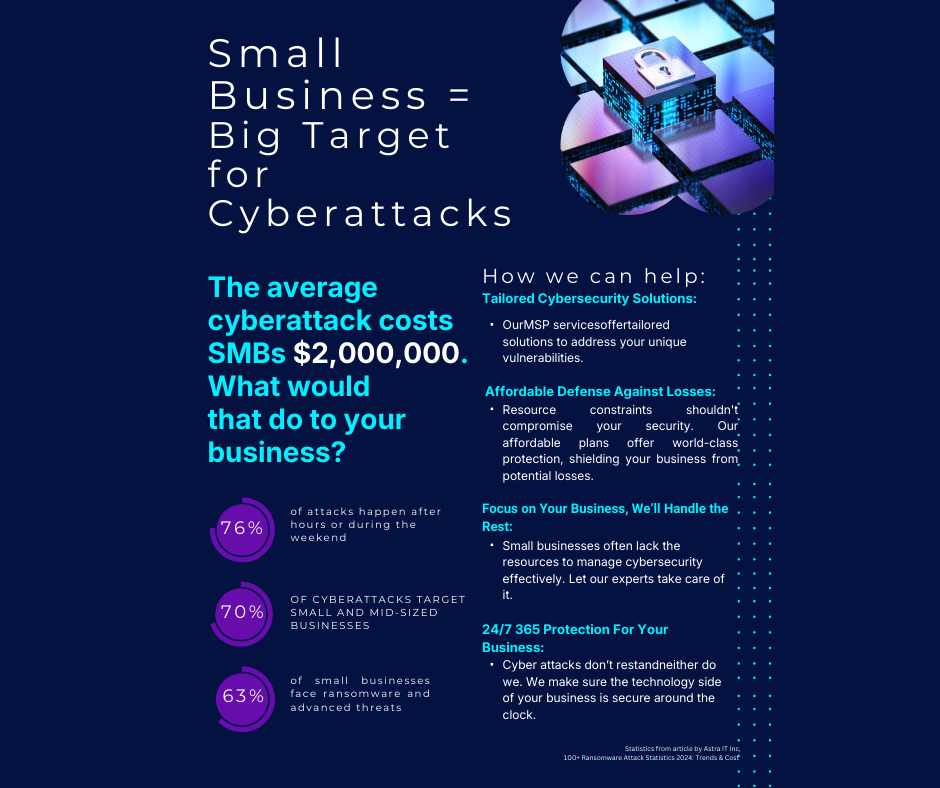
While you’re checking out, hackers are checking in. In fact, most cyberattacks on small businesses happen after hours or over holiday weekends when they know response times are slower. At Motor City Secure IT, we live by a Security-First philosophy. We don't just want your tech to work; we want you to sleep through the night without worrying if your server is being ransomed by a guy in a basement halfway across the world.
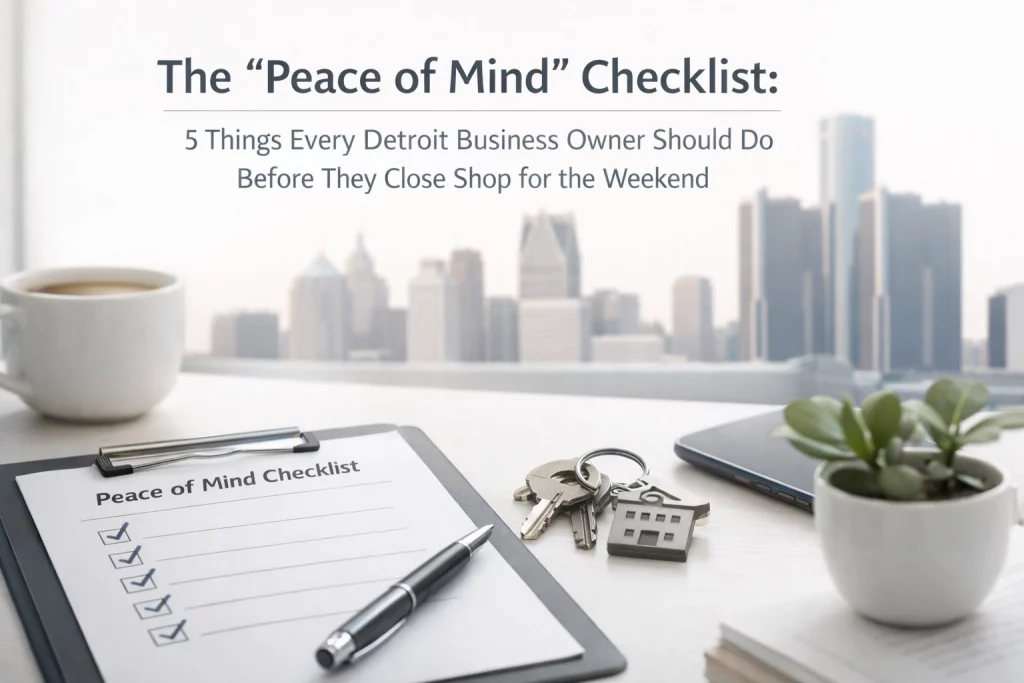
To help you reclaim your weekend, I’ve put together this quick "Peace of Mind" checklist. Five things. Ten minutes. Total relaxation.
1. Confirm Your Cloud Backups Actually Ran
We’ve all seen the little green checkmark and assumed everything is fine. But in the world of managed IT services, "assuming" is how you lose three years of client files or patient records.
Before you shut down, take sixty seconds to verify that your most recent backup completed successfully. If you’re using a modern cloud computing solution, this is usually a quick glance at a dashboard.
Why it matters:
If a pipe bursts in your building over the weekend or a ransomware strain hits your network at 2:00 AM Sunday, your backup is your only lifeline. We see too many businesses realize their "automatic" backup failed three weeks ago only after a disaster strikes. Don’t be that person. Verify the data is safe so you can enjoy your Saturday.
2. Ensure MFA is Active on Key Accounts
Multi-Factor Authentication (MFA) is the digital equivalent of a heavy-duty deadbolt. If you have employees logging into email, payroll, or CRM systems from home over the weekend, MFA is your best friend.
Check your primary accounts (Email, Banking, Remote Access) and ensure MFA hasn't been "temporarily disabled" for convenience. We get it: it’s annoying to pull out your phone for a code every time you log in: but it’s a lot less annoying than explaining to your clients why their personal data is on the dark web.
Pro-Tip: If your team uses a VPN to work remotely, make sure that’s protected by MFA too. This is a core pillar of our cybersecurity strategy. A password alone is just a polite suggestion to a hacker; MFA is an actual barrier.
3. Physically Lock Up Your Hardware
This one is for our friends with brick-and-mortar spots. If you’re running a bar in Midtown or a boutique in the District, physical security is just as important as digital security.
- Laptops: Are they sitting out on desks? Put them in a locked drawer.
- Servers: Is your server closet actually a closet, or is it a shelf in the hallway? Lock the door.
- The "Back Office" PC: Don't leave it logged in and visible through the window.
In Detroit, we know the "Hustle" is real, but sometimes people hustle for things that aren't theirs. A stolen laptop isn't just a hardware cost; it’s a massive data breach risk if that device isn't encrypted and managed properly.
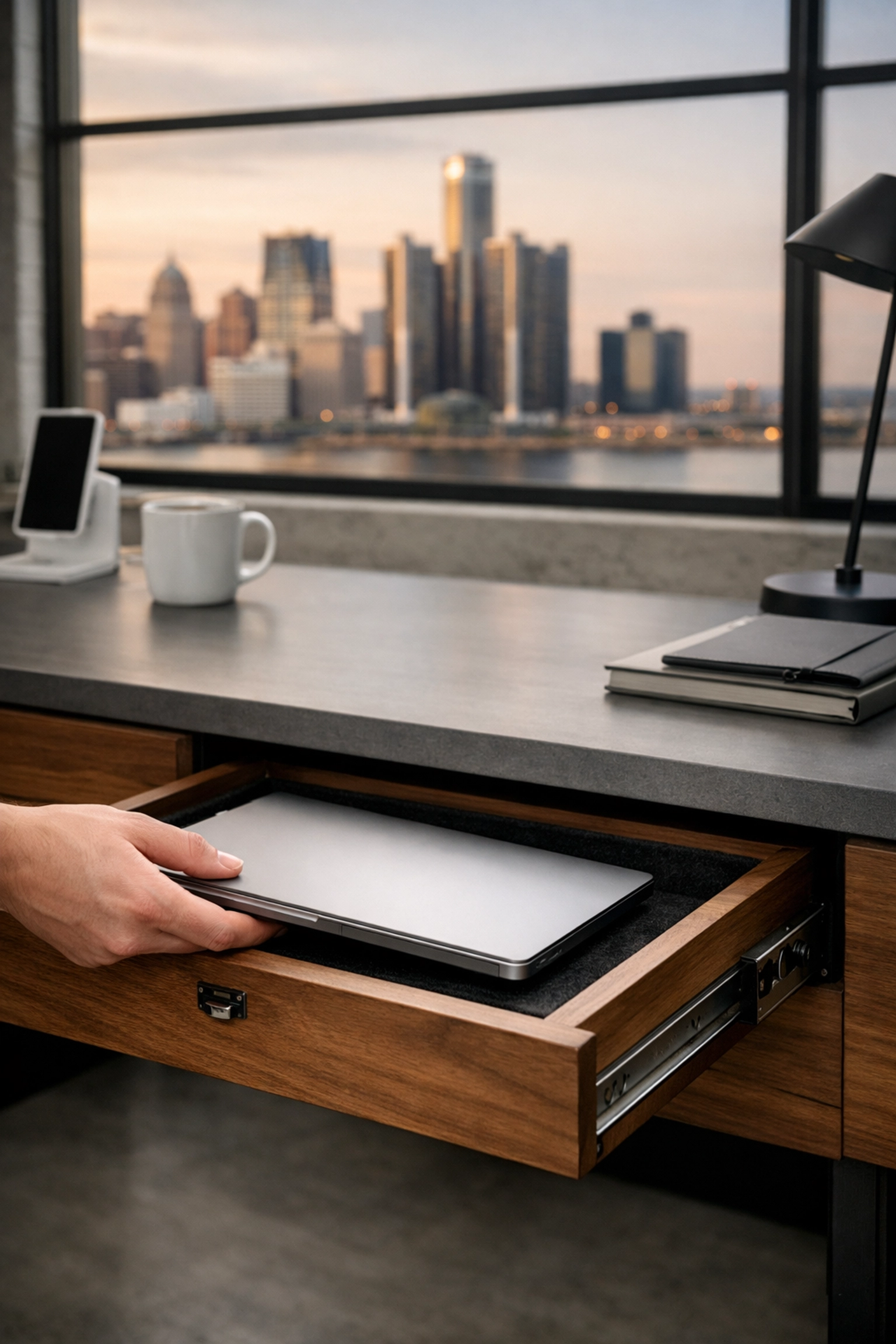
Caption: A secure office setup where hardware is locked away, reflecting a professional security-first environment.
4. Log Out of Public Terminals and POS Systems
If you run a dental office or a retail shop, you likely have shared terminals or Point of Sale (POS) systems. On a busy Friday, it’s easy to walk away from a screen while a session is still active.
Hackers love "session hijacking." If a terminal stays logged in, any malicious script that finds its way onto your network has an open door to your most sensitive data. Make it a rule: before the lights go out, every POS system and every public-facing terminal is logged out or shut down entirely.
Ideal for:
- Dental Offices: Protecting HIPAA-sensitive patient records on lobby computers.
- Bars/Retail: Ensuring credit card data stays isolated within your POS environment.
- Law Firms: Making sure no one can walk past a window and see confidential case files on a screen.
For more on managing this, check out our guide on IT infrastructure management.
5. Brief Your Staff on "The Weekend Phish"
The most dangerous time for a phishing email isn't Monday morning: it's Friday afternoon at 4:50 PM. Why? Because people are tired, they’re in a rush, and their guard is down.
Hackers send "URGENT: Payroll Issue" or "IMMEDIATE Action Required on Your Amazon Account" emails right when you’re trying to walk out the door. Before your team leaves, give them a quick reminder: "If it looks weird, leave it 'til Monday."
Tell them to ignore any "urgent" requests for gift cards, wire transfers, or password resets that come in over the weekend. No legitimate vendor is going to demand a wire transfer at 6:00 PM on a Friday.
The Motor City Secure IT Approach: We advocate for continuous cybersecurity training. Your employees are your first line of defense. If they’re trained to spot the "phish," your business is 90% safer before you even look at a firewall.

Caption: An employee pausing before clicking an email, illustrating the importance of a cautious, security-first mindset.
Why This Matters to Your Bottom Line
You might think, "Al, I’ve got a guy who handles my computers," or "We’re too small for hackers to care about."
Respectfully, that’s exactly what the hackers are hoping you think. Small businesses are the "low-hanging fruit." Large corporations have giant IT departments; small Detroit businesses often have a patchwork of old routers and "good enough" passwords.
At Motor City Secure IT, we don't believe in "good enough." Our Security-First approach means we build protection into everything we do, from the ground up. Whether we are setting up your data backup and disaster recovery or managing your entire network, we do it with the goal of making your business a hard target.
Take the Weekend Off (For Real This Time)
The goal of this checklist isn't to give you more work. It’s to give you the freedom to not work. When you know your backups are verified, your MFA is locked, your hardware is secure, your POS is logged out, and your staff is sharp, you can actually enjoy your time away.
Detroit is a city built on hard work, but even the hardest workers need to recharge. Don't spend your Sunday worrying about a "system down" text.
If you’re tired of the "Friday Anxiety" and want to see how a professional managed IT partner can take this weight off your shoulders, let's talk. We’re not here for a hard sell; we’re here to see if we’re a fit for your Detroit business.
Ready to secure your peace of mind?
Work with us and let’s get your security sorted before next Friday rolls around.
Enjoy the weekend, Detroit. You earned it.
: Al Latshaw
CEO, Motor City Secure IT